ROB RUN Quick Transfer and Inventory Controls Guide
How Quick Click-Transfer Items, Quick Hover-Transfer Items, Quick Slot bindings, inventory grid space, and rebindable Controls work in ROB RUN.
ROB RUN separates fast looting into two dedicated hold bindings inside Controls -> Key Bindings — Quick Click-Transfer Items (Ctrl) and Quick Hover-Transfer Items (G) — alongside Quick Delete Items (X), Split Items (Left Alt), Open Inventory (Tab / I), and four hotbar bindings (Quick Slot 1 through Quick Slot 4 on 3–6). Every one of the 69 active actions in Key Bindings supports Primary and Secondary slots that can be remapped through the Change Key prompt, which warns when a key is already assigned to another command and lets you reset the conflict. Outside inventory management, key defaults include E (Interact/Take/Use), hold F (Mask Up), H (Open Shipments), Q (Command to Surrender/Raise Hands), and MMB (Place Marker), while Esc (side menu and back) and R (reset settings to default) are fixed non-remappable bindings.
If you are setting up your controls ahead of your first heist, pair these settings with our ROB RUN beginner’s guide covering Lenny’s Motel, starter loot routes, and early progression.
Inventory transfer, quick slots, and grid capacity
Inside the Controls tab, Key Bindings places inventory shortcuts under the Other section, hotbar slots under Battle, and container prompts under Interactions — there is no Quick Transfer group in Controls, because Quick Transfer is an inventory action label:
- Quick Click-Transfer Items (hold
Ctrl) and Quick Hover-Transfer Items (holdG) sit underOtheras two separate hold bindings for moving items rapidly between your pack and containers or storage. Open Inventory(Tabprimary,Isecondary),Split Items(holdLeft Alt), and Quick Delete Items (holdX) sit underOther, whileInteract/Take/Use(EunderInteractions, mirrored to a 0.6 s hold forTake Alland hold interactions) handles container prompts alongside theDiscard Itemconfirmation.- In the
Battlesection,Quick Slot 1(3),Quick Slot 2(4),Quick Slot 3(5), andQuick Slot 4(6) give direct hotbar triggers separate from weapon switching (Weapon Slot 1on1,Weapon Slot 2on2,Choose Next Sloton]/Scroll Down,Choose Previous Sloton[/Scroll Up, andHolster WeapononZ).
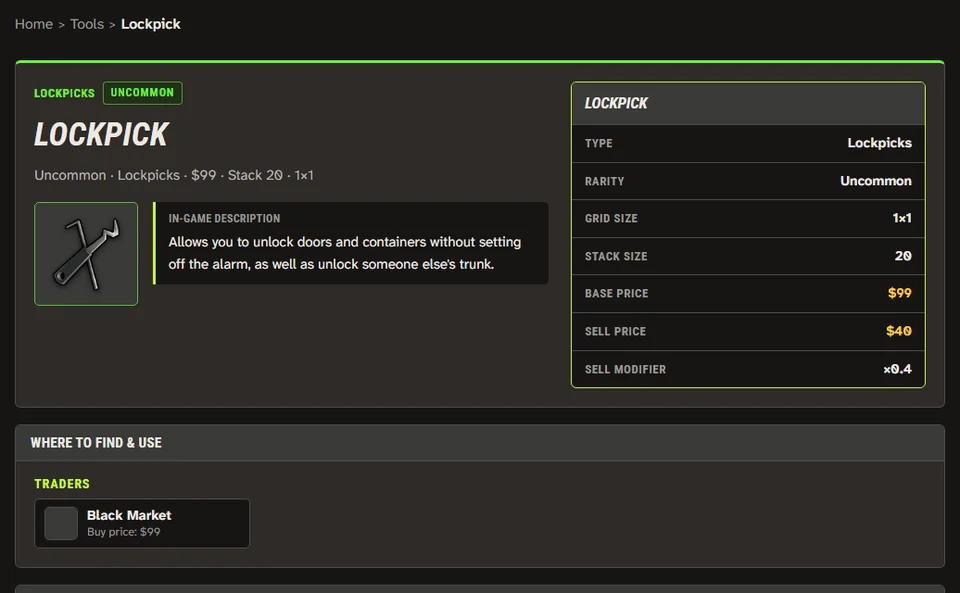
Every item occupies a fixed rectangular footprint on the inventory grid, so pack layout directly affects how much you can haul before leaving the city. Compact tools such as  Lockpick take 1×1 cell and stack up to 20, while
 Master Key occupies 1×1 cell in stacks of 5. Larger gear and base equipment fill much more space:
 Cargo Workbench,
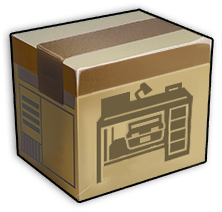 Contraband Workbench, and
 Collection Table each occupy 2×2 cells with a stack size of 1, a
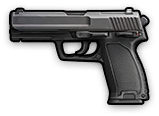 DP-9 Mk1 pistol uses 2×1 cells, and a
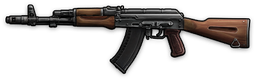 KL-545 Mk1 rifle needs 4×2 cells.
Upgrading backpacks and belts from the armor and gear database expands both grid rows and quick-access pockets:
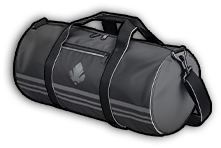 Sports Bag (Uncommon) adds 2 inventory lines ($5,000),
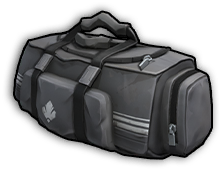 Sports Bag (Epic) adds 4 lines ($15,000), and
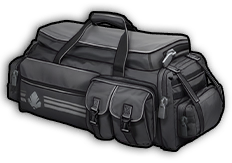 Sports Bag (Legendary) adds 6 lines ($40,000); each bag occupies 2×2 cells when carried unequipped.
- The four belt tiers each take 1×1 cell and are built for quick item access:
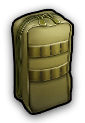 Versatile Pouch (Common) holds 1 pocket ($250),
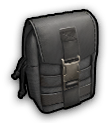 Versatile Pouch (Uncommon) holds 2 pockets ($1,200),
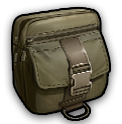 Versatile Pouch (Epic) holds 3 pockets ($2,700), and
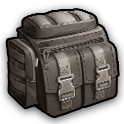 Versatile Pouch (Legendary) holds 4 pockets ($12,000).
Stolen cargo follows separate carrying rules from pocket loot. Heavy crates, safes, and bags are hauled in vehicle trunks or stored at home on furniture such as a  Small Rack (listed with other base storage in the items database), and drawing a weapon while carrying cargo drops the cargo automatically.
Essential city, heist, and voice chat bindings
Outside your backpack, several Controls entries tie directly into trading, police encounters, navigation, and communication:
- Open Shipments (
H): PressH(or reach the Shipments tab through Lenny’s context menu added in the 2026-11-17 patch, or via the side menu while in Looty Bay, the desert, or Lenny’s Motel) to view Black Market weapons, vehicles, and goods; actual item unlocks are restricted to your base and Lenny’s Motel. Map your unlock order ahead of time with the Shipments planner. - Menu and player ID (
Esc):Escis a fixed non-remappable key that opens the side menu and backs out of screens; pressing it displays your UID under your character name on the right side alongside aCopy UIDbutton that copies the ID to your clipboard. - Surrender (
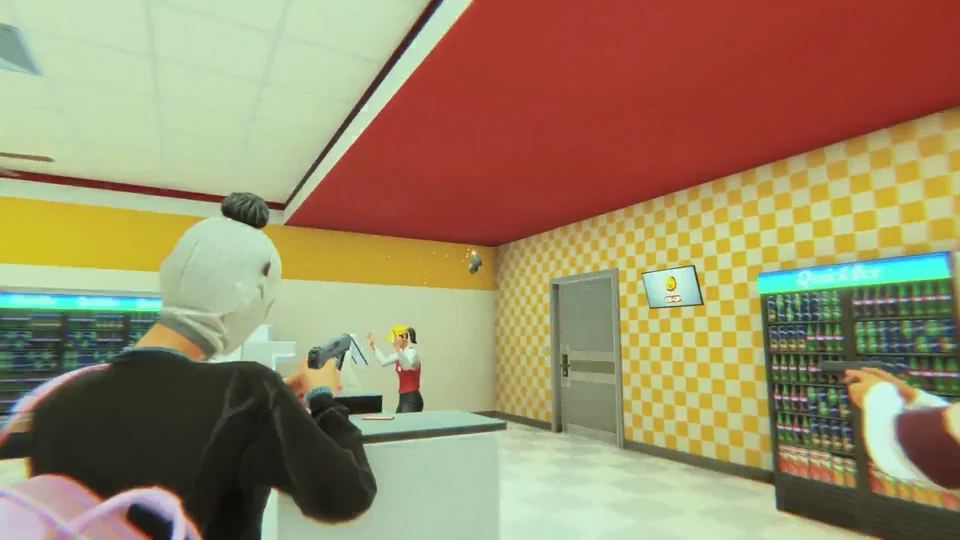
Q) and bribery (G): In theBattlesection,Command to Surrender/Raise Hands(Q) serves both sides of a police encounter. Police Officers can order a Criminal to surrender for a temporary arrest reward bonus, while a cornered Criminal can pressQto surrender voluntarily, losing bag contents while keeping equipped gear; arrested players can also useOffer Bribe(G) to negotiate a payout from their bank account and keep their loot if the officer accepts. Review arrest penalties in the Police and Arrests breakdown and see our bank account and deposit guide to set up bank funds early. - City interaction and overlays:
Interact/Take/Use(E),Reload(R),Mask Up(holdFfor 0.75 s),Drop Cargo(F),Place Marker(MMB),Open Map(M),Open Codex(K),Open Chat(Enter),Open Mail(O),Buff Window(J),Go to Party Window(P),Go to Clan Window(L),Conflict/Conflict Participants(U), andOpen Emotes Wheel(G) cover robbery prompts, markers, and menus. When usingOpen MapandOpen Codex, refer to the interactive map and Codex reference to check targets and status rules. - Vehicles and patrol tools: The
Vehicle: Carsection bindsHandbrake(Space),Car Horn(G),Switch Radio(]), andPolice Siren(Q), with an active service-vehicle siren yielding a temporary reward bonus on lawful actions and alerting other officers for backup;Activate Bollards(Left Alt) is a separateBattlebinding rather than aVehicle: Carentry. - Voice chat and hub restrictions: Inside the
Soundtab’sVoice Chatsection (withVoice Chat Keyalso bound toTunderOtherinKey Bindings),Voice Chat Modehas four options —Disabled,Push To Talk(default),Toggle To Talk, andAlways On— paired withVoice Chat Volume,Microphone Volume,Input Device,Echo Cancellation,Noise Suppression, andAutomatic Gain. Voice chat is disabled inside Prison and Lenny’s Motel until you own a land plot or have accumulated Jail Time, though party and clan text chats remain open to everyone. If your microphone does not register, Kefir support notes checking PC microphone permissions, selecting the right input device and voice mode in settings, and launching the game through Steam.
Toggle, camera, mouse, and capture options
The Settings screens include several input ergonomics, flight, and streaming controls beyond key remapping:
- Hold-key toggles: In the
Controlstab,Hold to Aim(default On),Hold to Sprint(default On), andHold to Crouch(default Off) switch aiming, sprinting, and crouching between hold and toggle inputs. - Camera, sensitivity, and HUD helpers: The
Controlstab providesInvert Mouse Y-Axis(default Off),General SensitivityandADS Sensitivity(0.1–1.0, both default0.37),Close Info Windows Upon Map Camera Movement(default On),Dynamic Spread Display(default Off),Center-of-screen Marker While in Vehicle(default Off), andItem Auto Use(default On), whileDisplay Key Markers in HUD(default On) sits in theOthertab. - Mouse polling stutter fix: If your frame rate drops to single digits whenever you move the mouse while staying smooth when still, Kefir support attributes the issue to an excessively high mouse polling rate and advises lowering
Polling Ratein your mouse configuration utility. - Helicopter layout: In the
Controlstab aboveKey Bindings, theHelicopter Controlsstepper switches betweenBasic(default) andAlternativeflight layouts, paired with the remappableVehicle: Helicopter(Increase Thrust,Decrease Thrust,Pitch Forward,Pitch Backward,Roll Left,Roll Right,Free Camera) andVehicle: Helicopter (Alternative)(Thrust Up,Thrust Down,Yaw Left,Yaw Right,Roll Left,Roll Right,Pitch Forward,Pitch Backward,Pitch Forward (Alternative)) binding groups. - Streaming privacy: In the
Socialtab,Streamer Mode(default Off) is the sole active control in theStreamer Modesection; enabling it hides your player ID alongside server and settlement details, restricts the world map view, and turns off the radio to reduce stream sniping.
For input hardware requirements and current controller status, see our platforms and controller support guide.
Controls menu reference table
The table below lists all 69 active remappable bindings in Controls -> Key Bindings by section header and default key; layout steppers such as Helicopter Controls (Basic / Alternative) sit above Key Bindings and are not keybindings, while fixed keys such as Esc (side menu and back) and R (reset settings to default) cannot be remapped.
| Section header | Active remappable bindings and default keys |
|---|---|
Key Bindings |
Move Forward (W / Up Arrow), Move Backward (S / Down Arrow), Move Left (A / Left Arrow), Move Right (D / Right Arrow), Sprint (Left Shift), Jump (Space), Crouch (Left Ctrl / C) |
Battle |
Attack/Shoot (LMB), Aim (RMB), Aim Mode (B), Change Shoulder (X), Reload (R), Weapon Slot 1 (1), Weapon Slot 2 (2), Quick Slot 1 (3), Quick Slot 2 (4), Quick Slot 3 (5), Quick Slot 4 (6), Choose Next Slot (] / Scroll Down), Choose Previous Slot ([ / Scroll Up), Holster Weapon (Z), Melee Attack (V), Command to Surrender/Raise Hands (Q), Offer Bribe (G), Activate Bollards (Left Alt), Place Marker (MMB), Drop Cargo (F) |
Vehicle: Car |
Accelerate (W / Up Arrow), Reverse (S / Down Arrow), Turn Left (A / Left Arrow), Turn Right (D / Right Arrow), Handbrake (Space), Car Horn (G), Police Siren (Q), Switch Radio (]) |
Vehicle: Helicopter |
Increase Thrust (Space), Decrease Thrust (Left Ctrl), Roll Left (A), Roll Right (D), Pitch Forward (W), Pitch Backward (S), Free Camera (RMB) |
Vehicle: Helicopter (Alternative) |
Thrust Up (W), Thrust Down (S), Yaw Left (A), Yaw Right (D), Roll Left (Numpad 4), Roll Right (Numpad 6), Pitch Forward (Numpad 8), Pitch Backward (Numpad 5), Pitch Forward (Alternative) (RMB) |
Other |
Open Inventory (Tab / I), Quick Click-Transfer Items (Ctrl), Quick Delete Items (X), Quick Hover-Transfer Items (G), Mask Up (hold F, 0.75 s), Split Items (Left Alt), Open Map (M), Open Codex (K), Open Chat (Enter), Voice Chat Key (T), Buff Window (J), Open Shipments (H), Open Mail (O), Go to Party Window (P), Go to Clan Window (L), Conflict/Conflict Participants (U), Open Emotes Wheel (G) |
Interactions |
Interact/Take/Use (E, mirrored to 0.6 s hold for Take All and hold interactions) |